
Comparison
Zero-Gravity Desk Chair vs Ergonomic Task Chair: One Rests Your Spine, One Holds It Up
Zero-gravity desk chair or ergonomic task chair? When the recline helps your back, where each one fails, and which to buy for full days at a desk.
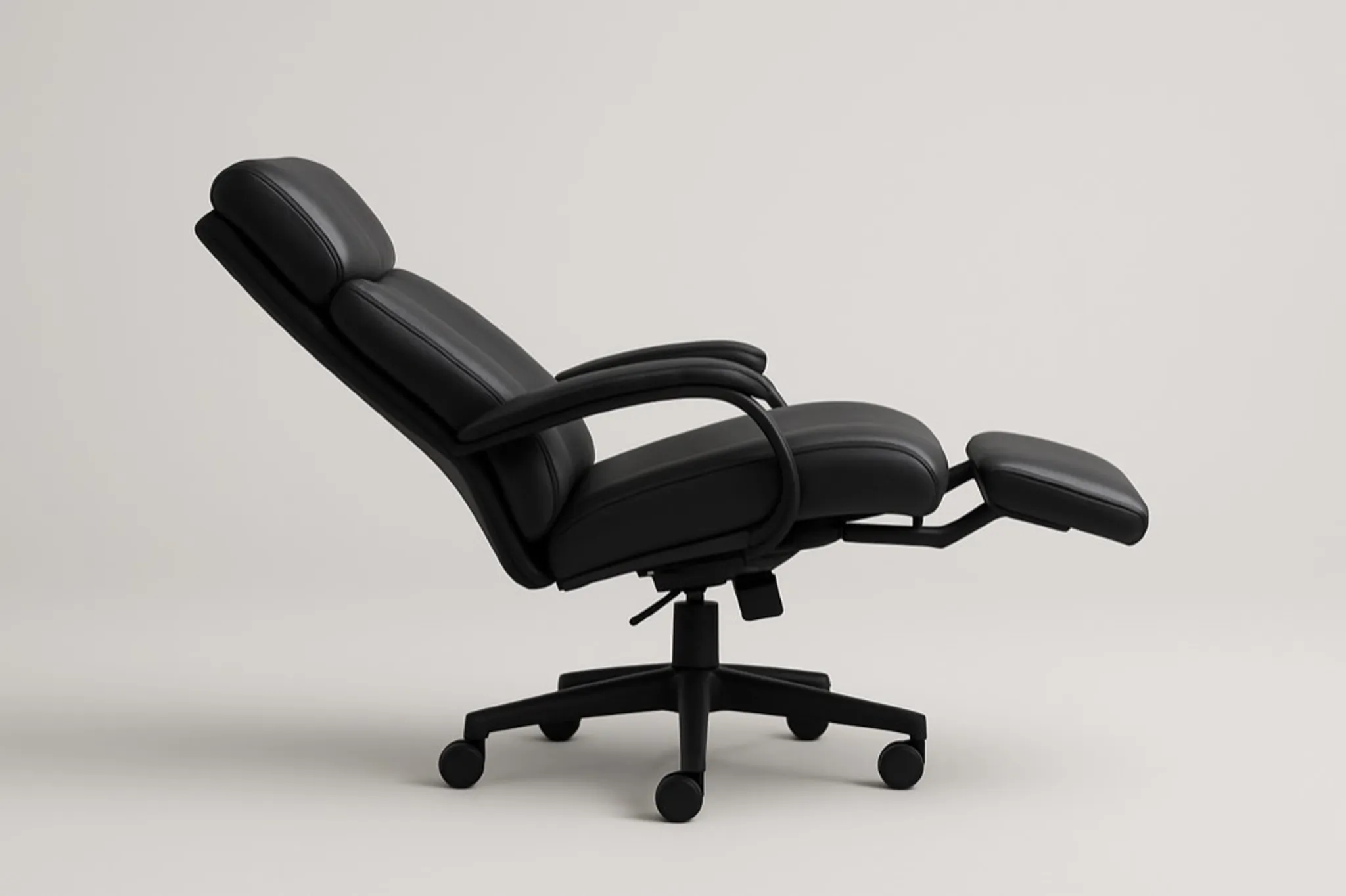
Recline far enough for your spine to relax and your keyboard drifts out of reach. Sit upright enough to type and the vertical load lands back on your lumbar discs. That is the entire argument between a zero-gravity desk chair and an ergonomic task chair, compressed into one desk.
Below, the two concepts go head to head on what your back actually cares about: posture support, disc load, full-day comfort, movement, and the kind of work each seat can survive. Both have real merits and real limits. Which one deserves your money depends on how many of your hours go to a keyboard and how many go to recovery.
What is a zero-gravity desk chair, really?
The zero-gravity idea comes from a posture NASA documented in astronauts: legs elevated, torso reclined, hips and knees at open angles, so the spine settles into a neutral shape with almost no muscle effort. A zero-gravity recliner or desk chair recreates that on the ground. Tip back and your weight spreads across a large surface, and the vertical load comes off your lower back. That load is not trivial: Nachemson's disc-pressure measurements (Spine, 1981) found unsupported sitting lifts pressure in the lumbar discs about 40 percent beyond what standing produces. A supported recline takes much of it away.
For recovery, this is genuinely useful. After a long block of focused work, or on a day your back is flaring, reclining into a supported neutral position brings real relief, which is why these chairs feel so good the moment you lie back.
The catch is simple physics. Your screen and keyboard sit in front of you at desk height. Recline far enough to reach the zero-gravity benefit and your hands, eyes, and desk fall out of a working relationship. You either crane your neck forward to see the monitor, which cancels the posture gain, or you stop working. A zero-gravity chair is a rest station, not a workstation.
What does an ergonomic task chair do well?
An ergonomic task chair is the familiar upright office chair done properly: adjustable seat height, backrest tension, lumbar support, and usually adjustable armrests. Good examples include the Herman Miller Aeron, the Steelcase Leap, the Haworth Fern, and the Anthros V2. These are well-engineered chairs, and they support the upright, task-focused posture very well.
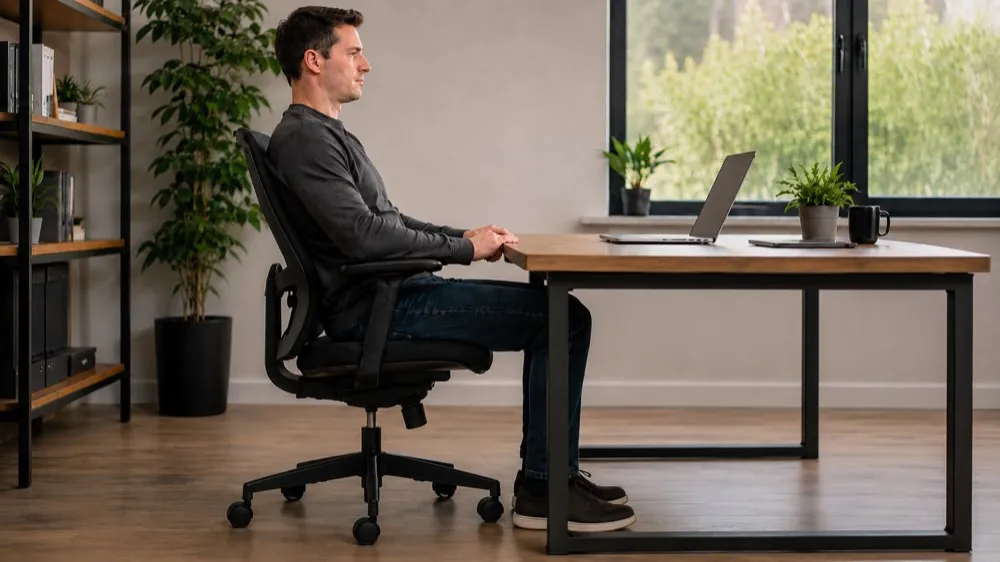
The strength here is focus. The chair is designed for the exact thing you do most: sitting at a desk, hands on a keyboard, eyes on a screen, for hours. A quality task chair keeps your hips supported, gives your lower back a shaped lumbar surface to lean against, and lets your arms rest without hiking your shoulders. Set it up right and it holds you in one good working posture reliably, day after day.
Its limitation is that one posture is mainly all it supports. Lower-back support in the upright working position is where cheaper chairs quietly fail, and even excellent task chairs are optimized for staying put rather than moving. They recline a little for a stretch, but they do not bridge sitting and standing, and the seat stays essentially flat and horizontal no matter how you shift. Over a long day, the body wants to change positions more than a fixed seat allows. That is the gap a task chair leaves open.
Zero-gravity desk chair vs ergonomic task chair: side by side
| What matters | Zero-gravity desk chair | Ergonomic task chair |
|---|---|---|
| Posture support | Excellent when reclined and resting; poor for an upright working posture | Strong for the upright working posture; that is what it is built for |
| Back support | Spreads load, relieves lumbar pressure in recline | Shaped lumbar support while sitting upright at the desk |
| Long-day desk comfort | Comfortable for breaks, not for hours of typing | Built for full-day seated work |
| Typing and screen work | Difficult once reclined; you lose the desk relationship | Designed around keyboard and monitor use |
| Movement between positions | One reclined position; not made for shifting forward to work | Limited; supports one seated posture, small recline range |
| Learning curve | Almost none; you lean back and rest | Low, once you dial in the adjustments |
| Best for | Recovery, breaks, reclined relief between work blocks | Focused, all-day desk work |
Which is better for posture and back pain?
For posture during the hours you are actually working, an ergonomic task chair is the better buy. It keeps you supported and upright where you can see your screen and reach your keyboard without slumping, and that upright support is what your lower back needs most while you type.
During recovery, the zero-gravity chair wins. Keegan's radiographic work (The Journal of Bone and Joint Surgery, 1953) measured the trunk-thigh angle that keeps the lumbar curve closest to its standing shape at roughly 135 degrees, far closer to a zero-gravity recline than to upright desk sitting. Used as a break between work blocks, the recliner earns its spot.
Notice what that means. This is not really a contest with one winner. The two chairs answer different questions. Buy a zero-gravity chair expecting to run your workday from it and you will end up hunched and frustrated. Buy a task chair expecting deep reclined relief and it will not fully deliver. Many people who research this comparison end up wanting both, which is a signal the real problem is that neither chair moves with them across the day.
Which should you buy for your situation?
- You do focused desk work most of the day: an ergonomic task chair is the primary seat you need. Set the lumbar and armrests properly and it will serve you.
- You want a place to decompress and take pressure off your back between work sessions: a zero-gravity chair is a good recovery companion, kept beside the desk rather than at it.
- You have an existing back issue and your clinician has advised reclined rest: the zero-gravity recline can help during rest periods; keep a supportive work chair for the actual working hours.
- You feel stiff and restless in a fixed seat and keep wanting to shift, lean, or perch: neither chair fully solves that, because both hold you in essentially one position. Worth naming before you spend money on either.
If you are weighing wider options, our guide to zero-gravity desk chairs and your back goes deeper on the recline benefit and its limits, and the best zero-gravity desk chair alternative for all-day work ranks what to buy if you loved the recline idea but need a chair you can actually work in. For a related tension between an upright chair and a forward posture, see forward-tilt chairs versus standard ergonomic chairs. All of these sit inside our complete guide to alternative seating.
The gap neither chair closes
A zero-gravity chair is right that your spine benefits from a reclined, pressure-relieving position. An ergonomic task chair is right that you need firm upright support to work. Neither lets you move between those two states while keeping your thighs and pelvis supported, which is why so many people end up pricing both.
The engineering reason is specific. Tilt a seat forward so the hips can open toward a working posture and it normally slides you off its front edge, so chair makers keep the seat flat and your hip angle closed at 90 degrees.
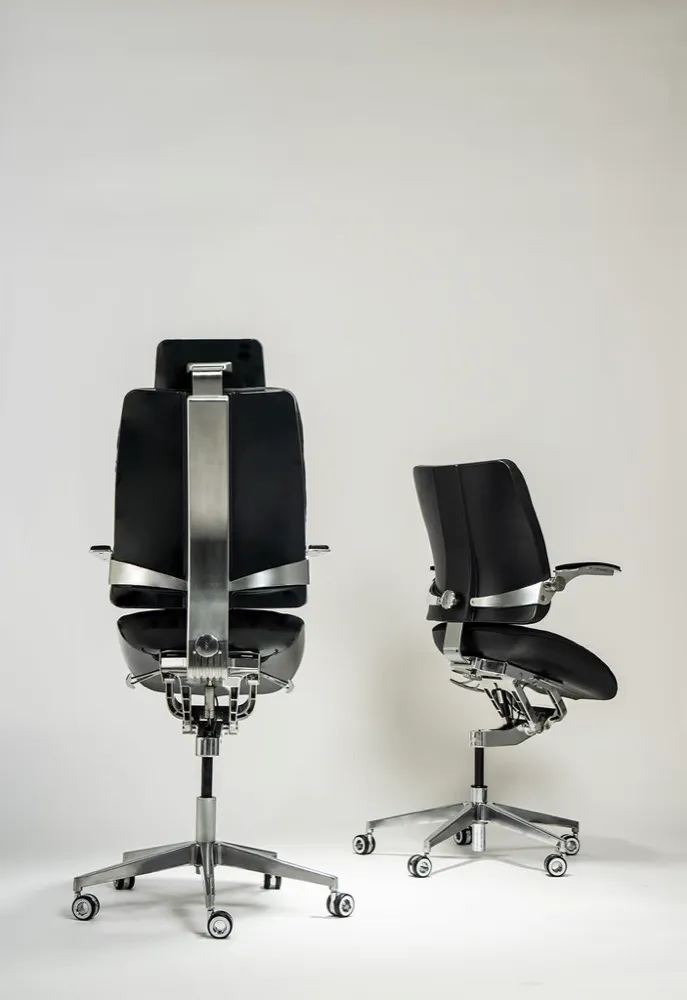
The patent-pending T-Mech™ takes a different route. The seat angles up to 18 degrees forward of flat, tipping the pelvis forward and opening the hip angle to roughly 115 to 125 degrees, while a knee-pivot linkage swings it along a curve that turns about your knee so your thighs stay in even contact. The backrest is linked to the seat and travels with it, so the angle holds across the range instead of only where you set it, and a two-density foam bowl keeps cradling the pelvis.
Where a zero-gravity chair reclines you away from the desk, this brings the desk up to you: the slope raises how high you sit, so it pairs with a work surface that can rise to match. That is the idea behind Elevated Seating, the category Levitask created with the Vision Chair. Seating that bridges sitting and standing instead of picking a side.
It sits in the premium, professional tier, so it is a bigger commitment than a basic recliner or an entry task chair. In return, you stop choosing between resting well and working well. The concept won an Innovation Award at Best of NeoCon 2026, and 612 backers put over $561,000 behind it on Kickstarter, the top 0.4 percent of campaigns. If moving between postures without losing support is the thing you have been missing, you can see how the T-Mech works at the Vision Chair.
Frequently asked questions
Can you actually work at a desk in a zero-gravity chair?
For short stretches, lightly reclined, maybe. For focused typing and screen work over hours, no. Once you recline far enough to get the real zero-gravity benefit, the desk, keyboard, and monitor fall out of comfortable reach, and you end up craning forward, which cancels the posture gain.
Is a zero-gravity chair better for back pain than an ergonomic task chair?
They help different moments. A zero-gravity recline relieves lumbar pressure during rest, which can feel great during a flare-up. An ergonomic task chair supports your lower back while you sit upright and work. For back pain across a full workday, the task chair does more; keep the zero-gravity chair for recovery breaks.
Do I need both a zero-gravity chair and a task chair?
Some people do, because each covers a gap the other leaves. That two-chair setup is a common outcome, and it is a fair signal that what you really want is one seat that supports both resting and working. Elevated Seating exists to answer that directly.
What makes the Vision Chair different from either one?
The Vision Chair moves the seat on a knee-pivot arc, so you can shift between a reclined position and a forward, elevated working posture while your thighs and pelvis stay supported the entire time. A task chair holds one upright posture; a zero-gravity chair holds one reclined posture. The Vision Chair supports the movement between them. One setup requirement separates it from the task chair. Angling the seat forward raises your seated height, so the desk has to rise with it. A zero-gravity chair reclines you away from the desk; this does the opposite and brings the desk up to you.