
Guide
How to Evaluate a Chair in Ten Minutes
A showroom test tells you almost nothing if you only sit still in it. Here is a minute-by-minute method for judging a chair by the transitions a real workday contains, and the four findings that should end a test early.
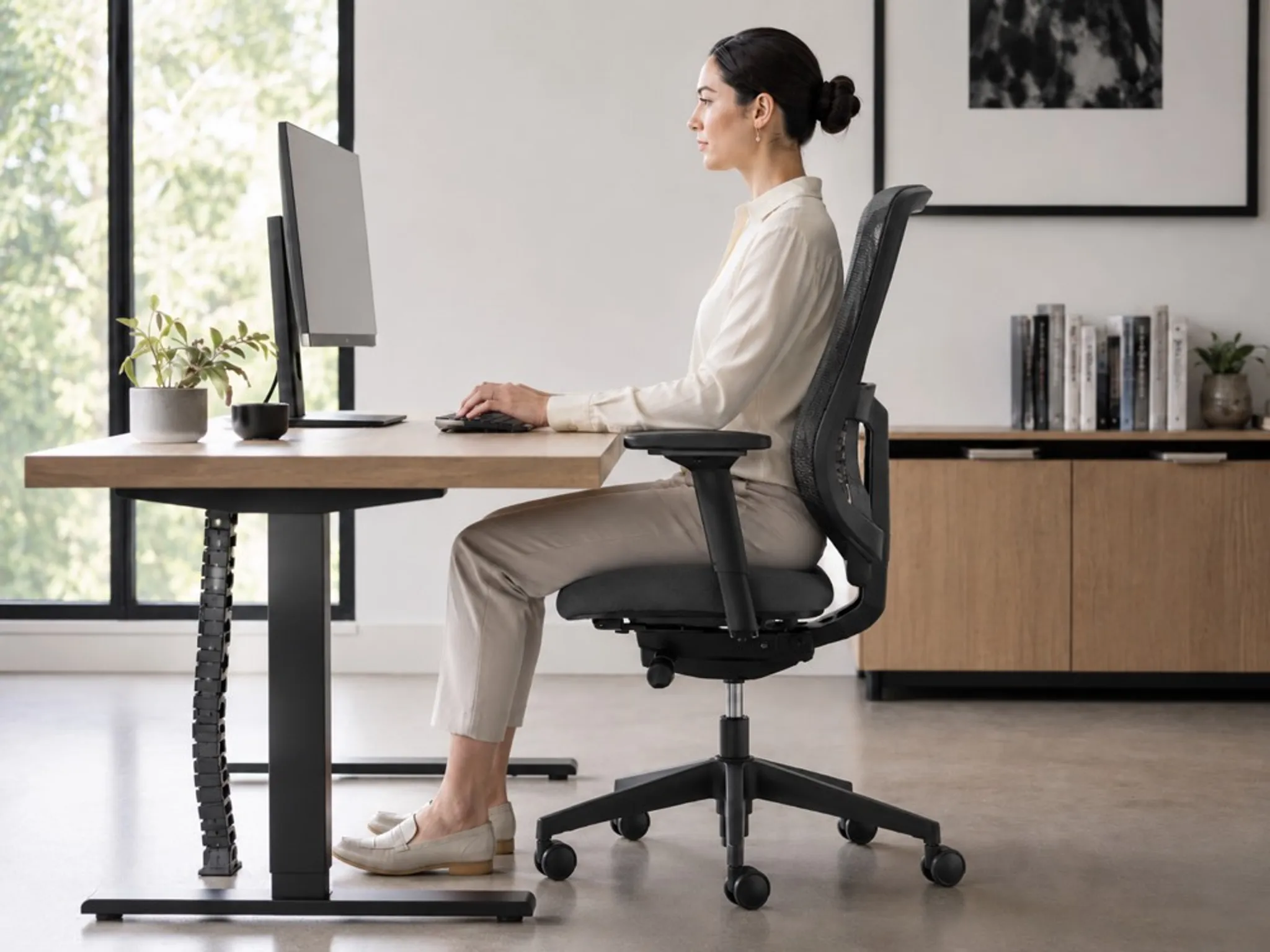
A chair can look convincing in a showroom and still be a poor fit for a real workday. The useful test is not whether it feels soft for a few seconds. It is whether the chair makes the next few working positions feel natural.
You do not need an elaborate checklist to learn a lot. Ten attentive minutes, spent deliberately, will tell you more than an hour of sitting still.
What ten minutes can and cannot tell you
Ten minutes is good at revealing structural problems: a seat too deep for your thighs, a backrest that stops contributing the moment you lean in, a control you cannot reach without standing up. These are the faults that do not improve with familiarity.
It is poor at revealing endurance problems, which take hours to surface, and it will not tell you how a foam behaves after six months. Treat the result as a screen that eliminates wrong chairs rather than a verdict that identifies the right one.
The most common testing mistake is sitting the way you think you should sit. A chair evaluated in a posture you will not actually hold produces a result you cannot use.
The ten-minute protocol
Minutes 0 to 2: set it up properly. Do not skip this. Set the seat height so your forearms are roughly level with the work surface, then set seat depth so you can fit two or three fingers between the seat edge and the back of your knee. Set the backrest and arms last. If this takes longer than two minutes, or you cannot work out a control without instructions, note it. That is a finding, not a delay.
Minutes 2 to 5: work the real postures. Sit as you would when answering email. Then as you would when concentrating on a document. Then as you would on a call. Then looking at a second screen. Most work includes several positions, so a chair judged from one ceremonial posture has barely been tested. In each, notice whether you can reach the work without pulling yourself toward the front edge of the seat.
Minutes 5 to 8: work the transitions. This is the part most people skip and the part that separates chairs. Move from a relaxed position toward the desk. Lean in for a moment. Sit taller. Shift back again. Repeat it a few times and pay attention to what changes.
- Does the seat stay present beneath your thighs when you lean forward?
- Do you brace through your legs to hold the position you want to work in?
- Does the backrest keep contributing, or does it fall away once you leave upright?
- Do you find yourself perching on the front edge without deciding to?
Minutes 8 to 10: use the controls while working. Change seat height, back tension, and arm position while you are mid-task rather than while sitting idle. If the chair has a movement mechanism, use it rather than leaving it at its default. An adjustment you have to stop working to reach is one most people stop using by the second week.
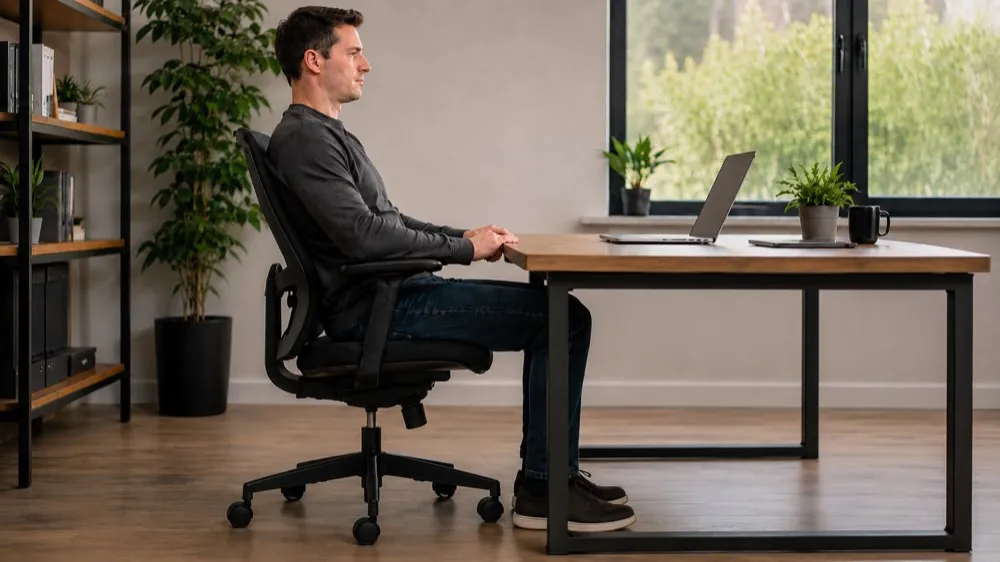
Four findings that should end the test early
Some faults are not worth ten minutes.
- You cannot get your feet flat with your forearms at desk height. A fit mismatch this basic will not be solved by the remaining adjustments.
- The seat edge presses into the back of your thighs. Seat depth is wrong for your proportions, and depth adjustment ranges are rarely generous enough to rescue it.
- You slide forward whenever you lean in. The seat and your body are not travelling together, and you will spend the day correcting for it.
- A control needs two hands, a look, or a stand-up. It will not be used during real work.
None of these means the chair is badly made. It means it is not built for your body or your day, which is a different question and the only one that matters to you.
Adjustments are part of the design, not a separate score
Levers and settings are useful only if a person can understand and reach them. A chair with many controls is not automatically more adaptable than one with few; it is only more adjustable, and those are different properties. The relevant question is simpler than a specification comparison: can the chair be tuned to meet the work in front of you without becoming another thing to manage?
Some design decisions are not controls at all. The angle of the seat and the path it travels are two of them. Levitask's Vision Chair angles the seat forward and links the backrest to it, so the open posture is a property of the chair rather than a setting you maintain. That is a design approach rather than a universal rule. Whatever the chair, test its movement the way you will actually use it.
If the chair you are testing has an angled seat, test it at the right desk height. An incline raises where you sit, so judging it at a standard fixed desk tells you about the desk rather than the chair. Raise the surface until your forearms are level again, then form a view.

What to do with the result
Ten minutes is a screen, not a decision. When you can, return to the chair later in the day, in ordinary clothes, with an ordinary task, when you are slightly tired. That is when a chair either keeps working or starts asking for management.
The better choice usually feels less dramatic than the sales language suggests. It simply asks for less negotiation as the work changes. If you want to think about the underlying question of fit before you shop, Fit Is Not a Feature covers what a chair cannot adjust its way out of, and the alternative seating guide covers how the main chair types differ before you start testing them.